Also available in: 日本語
Obsidian is a note-taking app that stores everything as plain markdown files in a local folder. Notes link to each other with wikilinks, forming a personal wiki you fully own.
My Obsidian plugins I’ve built and workflows I’ve set up around the app.
Plugins
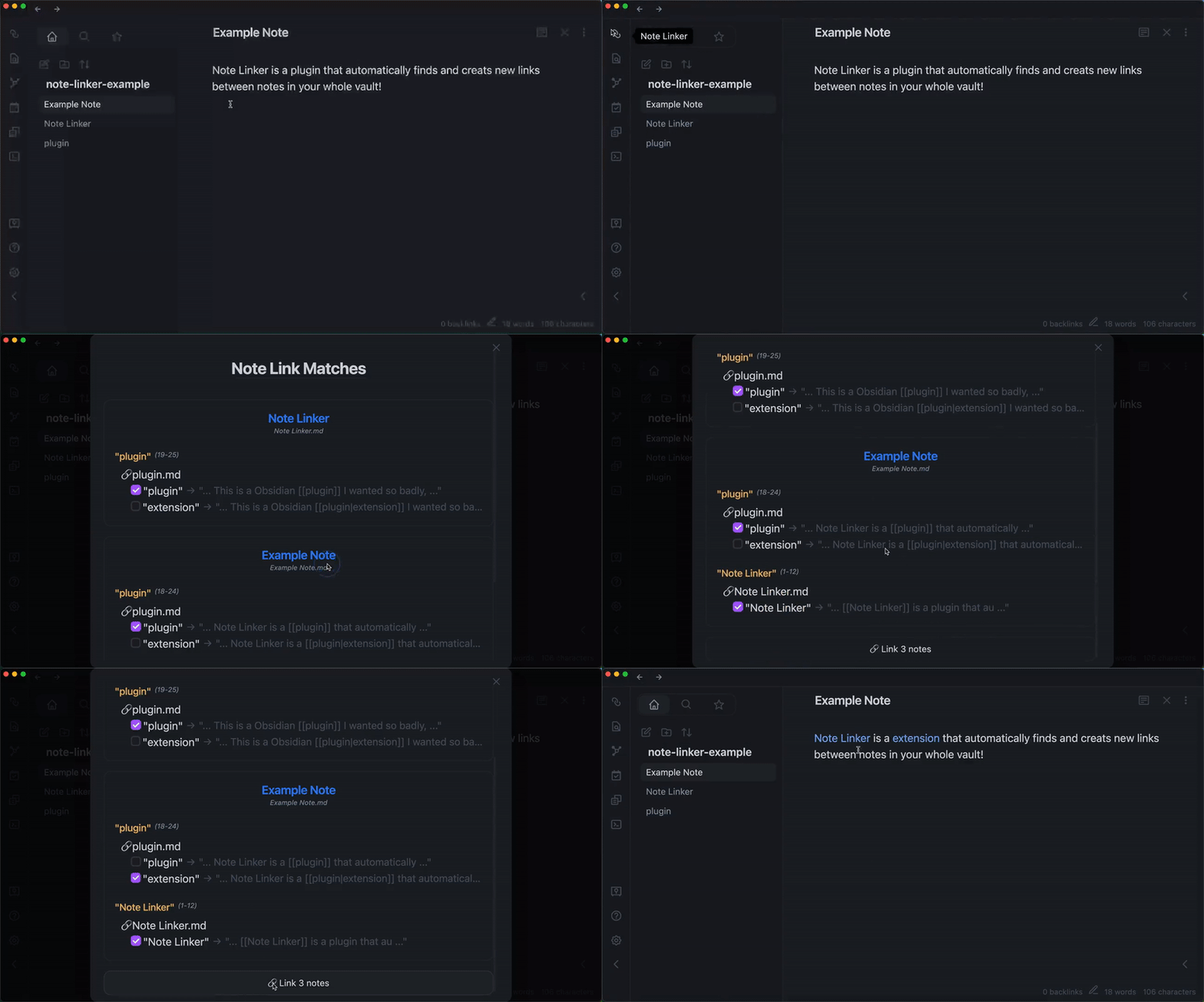
Obsidian note linker plugin (2022)
When you grow a vault over time, older notes can’t link to pages that didn’t exist yet when they were written. The longer the vault lives, the more missed connections accumulate. This plugin scans the entire vault for text that matches note titles or aliases and suggests links you can accept one by one; no auto-linking, just a list of candidates.
→ GitHub
Obsidian 3D Graph plugin (2023)
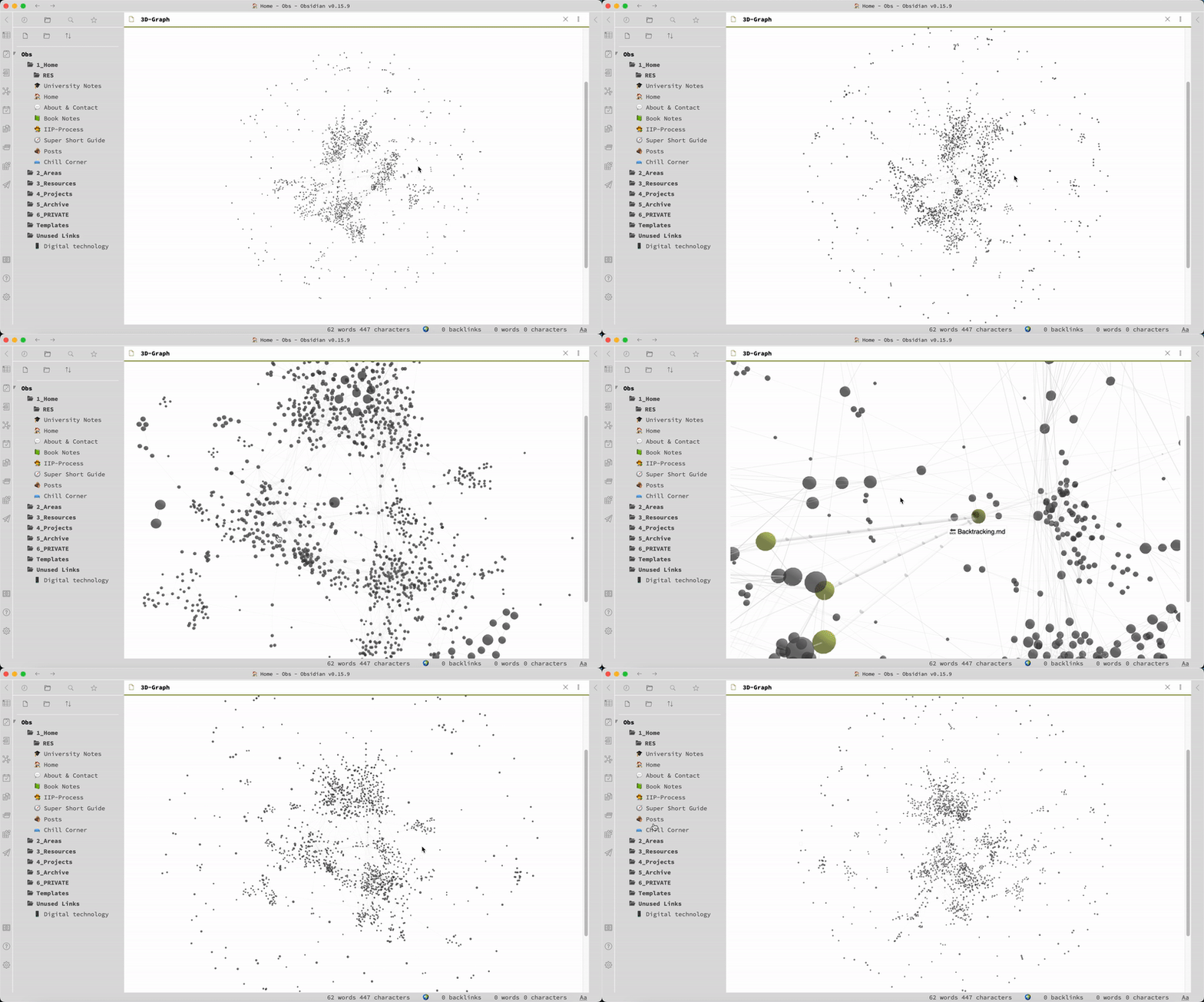
Obsidian’s built-in graph view is 2D, I wanted one in 3D (just for fun). This plugin renders the same graph in 3D, giving dense note networks more room to breathe and making structural patterns easier to spot.
→ GitHub
Vaults
Kanji Vault (2024)
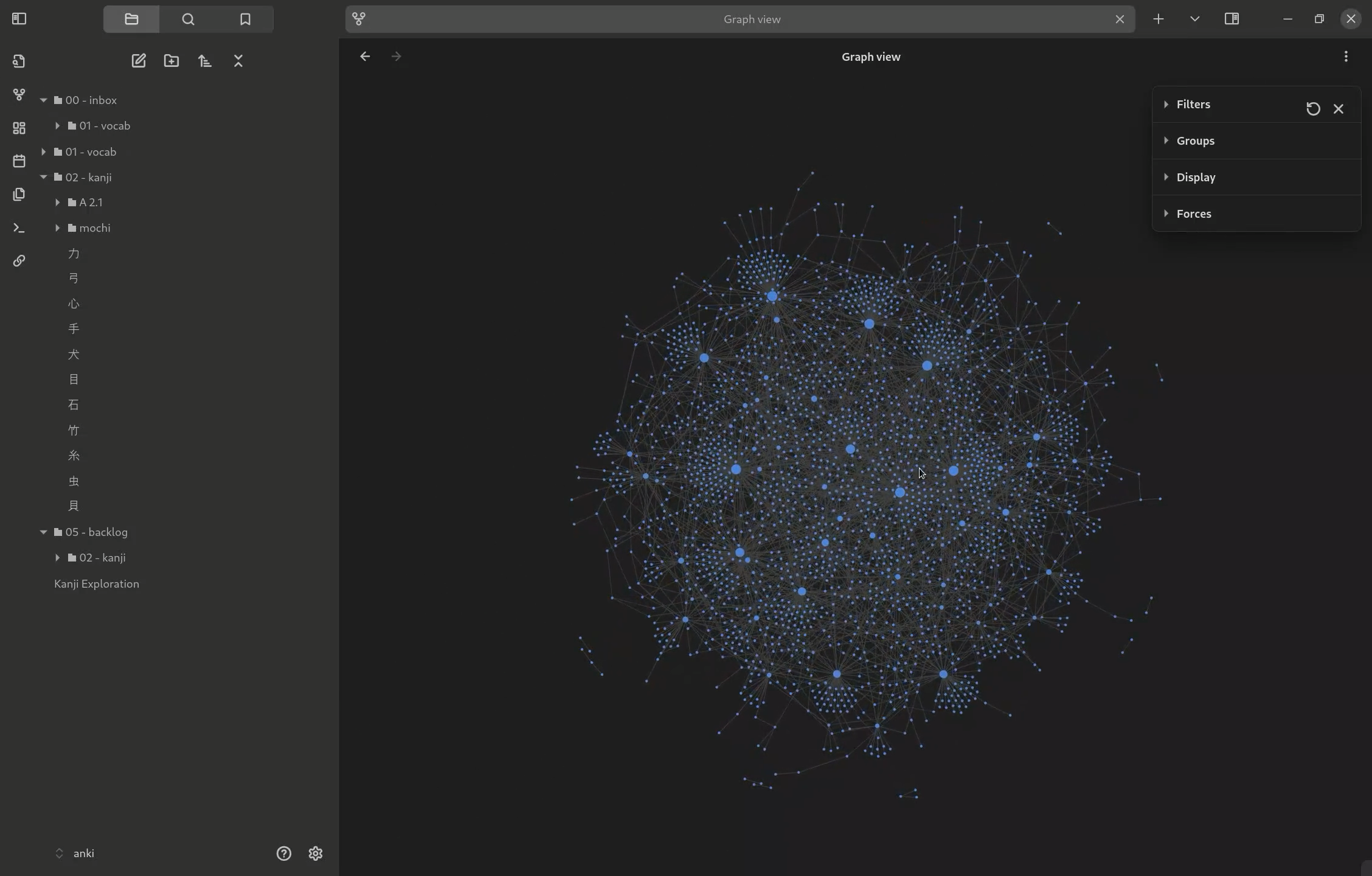
Most kanji study tools present characters in flat lists ordered by frequency or grade level, which ignores how kanji actually relate to each other. Kanji Vault maps them by their building blocks (radicals), so studying feels more like exploring a graph than grinding flashcards.
→ GitHub
This Garden (est 2022)
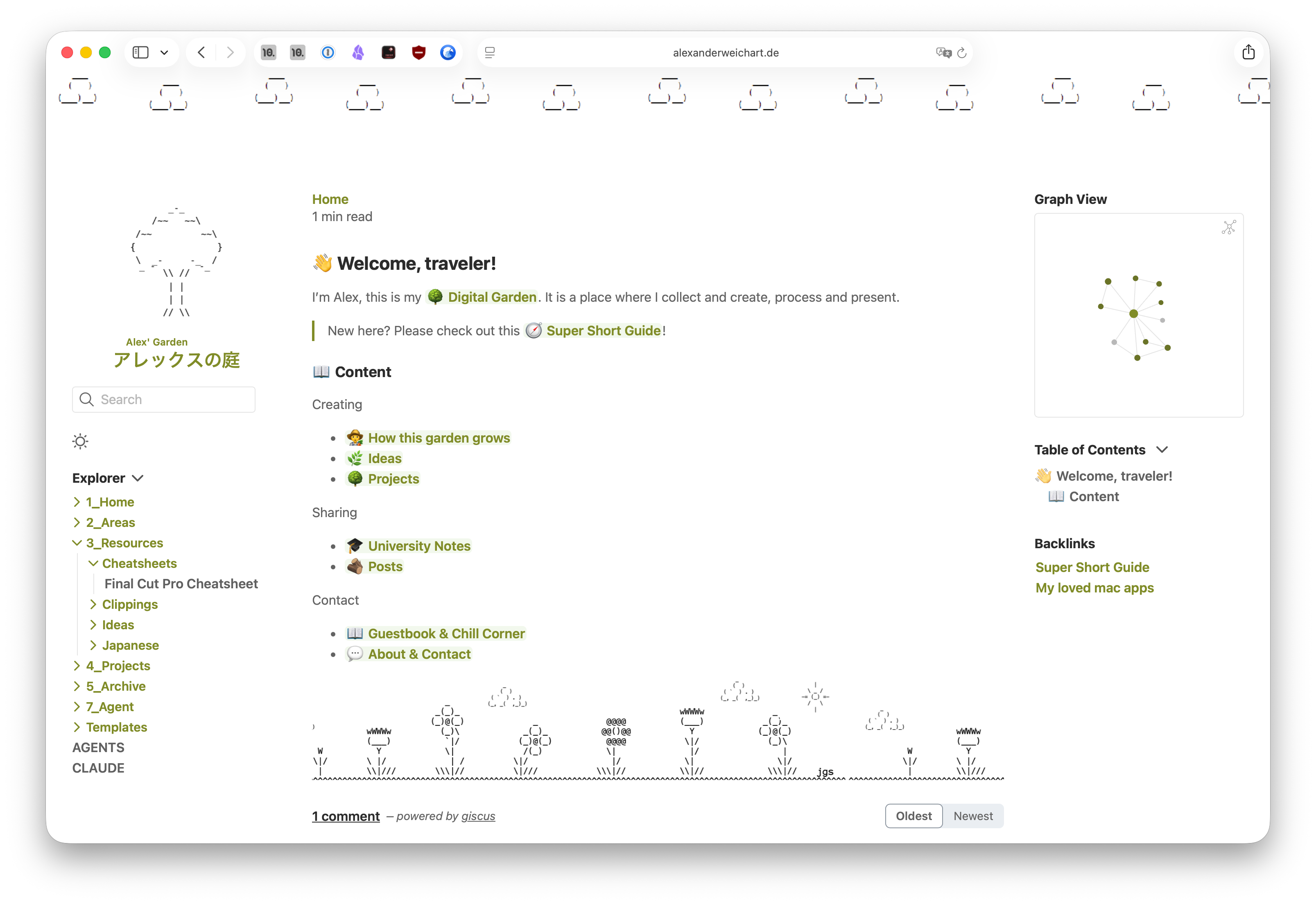
This vault, published as a digital garden at alexanderweichart.de.
Workflows
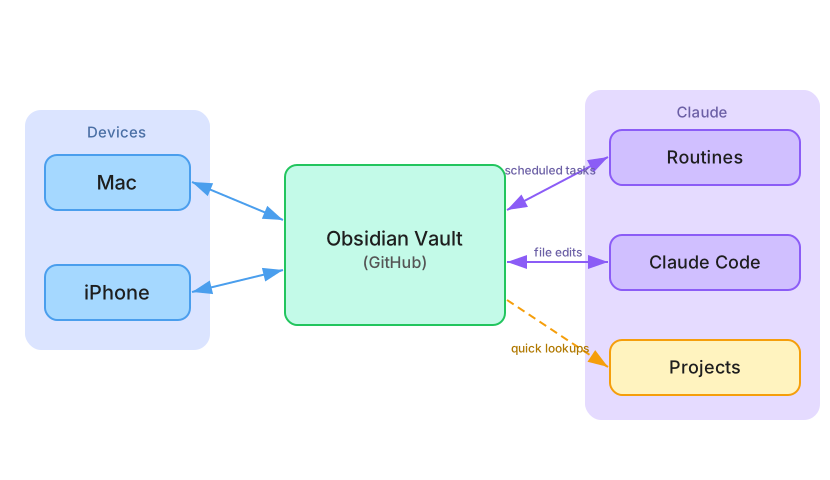
My AI native Obsidian Setup (2026)
In this post i detail my AI native Obsidian Setup: My AI native Obsidian Setup